A chair labelled ergonomic can still cause thigh pressure, raised shoulders, unsupported feet, or a rounded back when its dimensions do not match the user and workstation. By the end, you will know how to measure fit, test comfort, compare mechanisms and upholstery, and assess the manufacturer’s role in creating a usable seating system.
Key takeaways
- Adjust seat height, depth, backrest, and armrests to your body.
- Choose upholstery, cushioning, and frame materials for your climate and workload.
- Trial chairs through a full workday before approving a workplace purchase.
- Ask manufacturers for fitting guidance, maintenance details, and replacement-part support.
Start with the user: fit the chair to the body and task
Set the chair to your body and task, not to an “ergonomic” label. A neutral working posture allows supported variation: upright for close keyboard work, then reclined movement without forcing one rigid pose.
- Measure popliteal height, buttock-to-knee length, hip breadth, seated shoulder height, and elbow height. Set seat height until both feet rest flat, knees stay near 90 degrees, thighs are supported, and the front edge does not press behind the knees. Use a footrest for shorter users; taller users need sufficient height and desk clearance.
- Set seat depth so your pelvis touches the backrest while a small, non-compressive gap remains between the pan edge and lower legs. A waterfall edge reduces thigh pressure, but cannot fix a pan that is too deep or a poorly fitted backrest.
- Position lumbar support at the belt-line curve, then adjust its prominence. Check the lumbar support adjustment range and prominence adjustment range while sitting upright and reclined.
- Set backrest angle and recline tension so the chair follows movement without pushing you forward or dropping backward. Place the headrest behind the head, not the neck, when reclining.
- Set armrest height to support relaxed elbows near elbow height; adjust width, depth, and pivot so shoulders stay down and you can approach the desk. Remove armrests that block desk clearance or transfers.
- Raise the monitor to seated shoulder and eye level, keep the keyboard and mouse near elbow height, position the telephone within reach, and check clearance beneath the desk. Pregnant, heavier, shared-desk, mobility-limited, or painful users need individual trials and easier controls; seek clinical advice for persistent pain.
Match the chair’s construction to the work, space, and climate
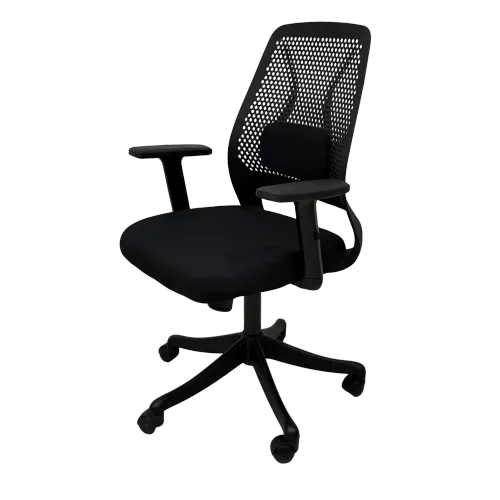
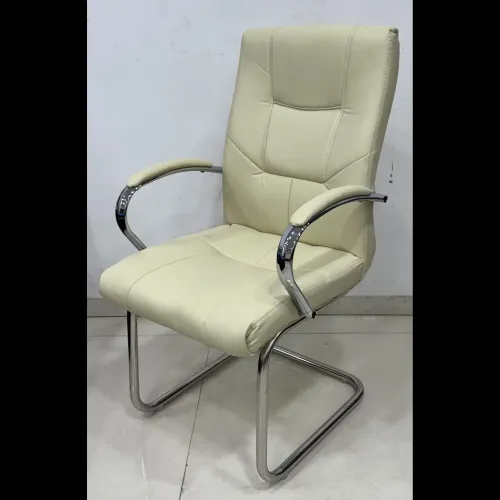
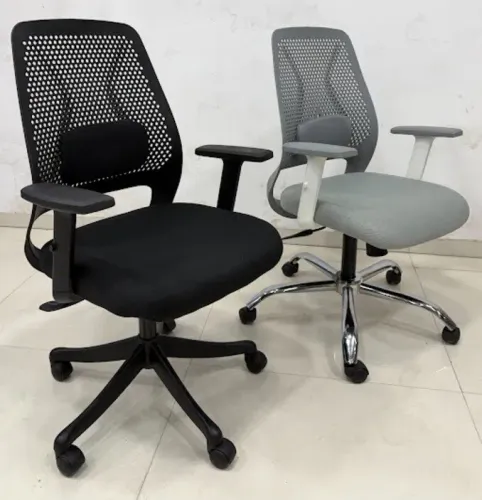
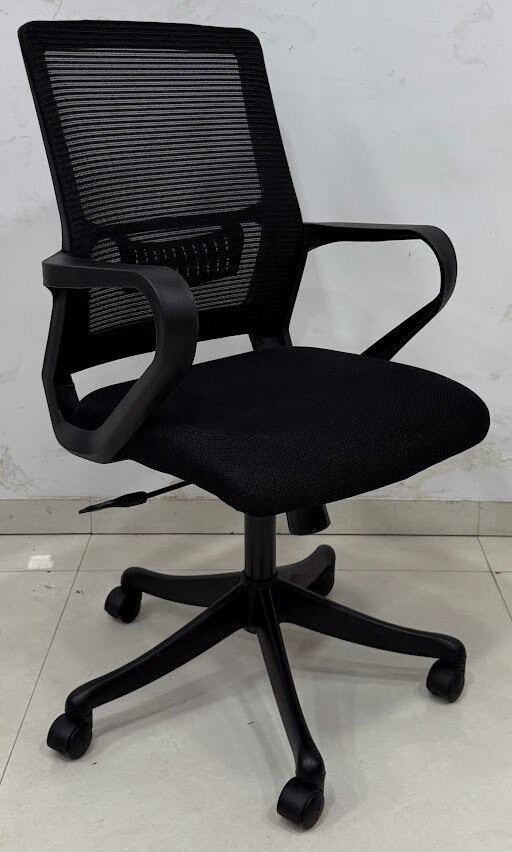
Mesh upholstery usually releases heat better than leather upholstery or PU upholstery, while fabric upholstery often spreads pressure comfortably for long sitting. Compare cleaning, seam wear, durability and sweat retention against your climate and maintenance routine; a cool cover is not useful if it compresses quickly or is difficult to clean.
| Material | Heat and pressure | Cleaning and wear |
|---|---|---|
| Mesh upholstery | Cool, but pressure varies with tension | Easy surface cleaning; mesh and edges can fray |
| Fabric upholstery | Lower heat retention; forgiving pressure distribution | Comfortable, but stains and seam wear need attention |
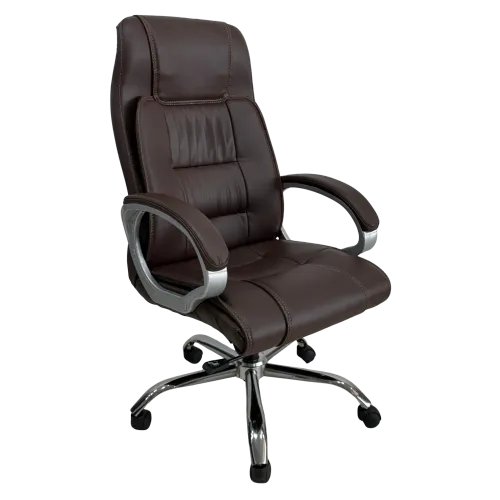
| Leather upholstery | Heat retention; durable surface | Wipes clean; seams and finish need inspection |
| PU upholstery comparison | Warmer than mesh; consistent cushioning | Wipes clean, but surface cracking can limit service life |
Mechanism choice must match the task. A synchro mechanism coordinates seat and back movement with controlled recline for intensive computer work; push-back offers simpler movement for meetings. Fixed-back suits short, focused use, while tilt provides broader seat-and-back movement but demands careful tension matching.
Test noise, recline control and resistance with your body mass; drafting work needs a compatible height range, and shared desks need obvious, tool-free controls.
Foam marked 32D does not predict comfort. Check hardness, thickness, layered construction, upholstery tension, compression set, temperature and user mass, then request test results.
Compare usable seat height and depth, not overall dimensions. Request seat width, backrest and armrest ranges, supported user mass, reclined desk clearance, caster type for carpet or hard flooring, and replacement-part availability. A mid-back chair suits shallow desks, tight rooms, shared use and easier movement better than a tall executive chair.
Leave transfer space and arm clearance for mobility aids.
Use a workplace trial to separate comfort claims from evidence
Run an ergonomic chair trial for a full working day, repeated over several days. A showroom visit will not reveal heat buildup, seat-edge pressure, control fatigue, instability, or whether users stop adjusting controls they find difficult.
During each trial, record:
- Seat-pan fit, front-edge pressure, cushion response, frame support, lumbar contact, and recline balance.
- Arm clearance, full-day keyboard, mouse, telephone, and desk access at the intended workstation.
- Base stability, caster rolling on the actual floor, gas-lift height changes, mechanism noise, wobble, and unexpected movement.
- Fastener tightness, upholstery seams, and visible movement or wear after repeated use.
Use representative users across the intended body-size range, and record comfort at the start and after sustained task work. Ask for seat height and depth ranges, seat width, backrest and armrest adjustment data, supported user mass, durability results, and foam compression set results.
Pressure mapping can reveal concentrated loading at the ischial region, seat edge, or backrest. It cannot decide comfort alone: combine it with user reports, movement observation, adjustment success, and durability tests. A low-pressure map can still hide instability or poor task support.
ANSI/BIFMA performance standards address strength, stability, and durability. Passing them does not prove that a specific user will experience better posture or less discomfort. A chair earns that claim only when trial evidence matches the intended people, tasks, and working conditions.
Make the manufacturer part of the fitting and procurement process
A manufacturer should help fit the chair to the workstation, not simply deliver cartons. A workplace ergonomic audit records desk height, monitor position, floor surface, user tasks, body-size range, existing discomfort, and the need to alternate sitting and standing.
1. Ask the supplier to name the population and task in the measurement-based specification: intensive computer work, conference seating, drafting, or 24-hour control-room use. Reject vague labels such as standard or executive.
2. Trial samples with representative users at actual desks, then use measurements to select models for bulk office furniture procurement. Require delivery scheduling, user training and installation, shared-desk setup guidance, and controls users can operate without tools.
3. Collect feedback after installation on pressure, reach, recline, heat, stability, and difficult adjustments. Have the manufacturer return for post-installation adjustments instead of treating delivery as completion.
4. Request written service arrangements, including warranty terms, named service contacts, response times, and replacement procedures for casters, arm pads, gas lifts, lumbar parts, and upholstery panels.
Ask the supplier to publish seat-height range, usable seat depth, seat width, backrest and armrest ranges, supported user mass, minimum reclined desk clearance, caster options for carpet or hard flooring, and replacement-part availability.
For a Nagpur workplace, Firio Furniture Industries ( R S Furniture) can be considered when a local manufacturer and supplier will coordinate specification, trials, installation, and after-sales follow-up; verify every commitment in writing.
Related products
office chair ₹11250 Office Chair Manufacturer Ergonomic Office Chair Supplier Executive Office Chair Maker Mesh Office Chair Manufacturer High-Back Office Chair... View product → |
Executive Chair Executive Chair M-1091 ₹19200 Ergonomically designed for maximum comfort. Nylon star base for extra load carrying capacity. synchro mechanism. |
Keep the workstation moving, maintained, and appropriately supported
Preserve seating comfort through routine workplace posture maintenance, not by leaving the chair untouched after installation. Inspect it monthly and replace worn parts rather than accepting wobble, sinking height, or uneven movement.
- Clean mesh with a vacuum or soft brush, then a lightly damp cloth; clean fabric, leather, or PU upholstery only with products approved for that material.
- Tighten accessible fasteners without forcing threads or altering adjustment mechanisms.
- Check the gas lift for sinking, the five-star base for cracks, and casters for seized wheels, damaged stems, and safe rolling on the actual floor.
- Replace worn casters, arm pads, gas lifts, lumbar parts, or upholstery panels before they undermine fit.
- Confirm controls remain easy to identify and operate without tools, including for users with limited reach or strength.
Have employees practise every adjustment and record discomfort, pressure points, difficult controls, and fit problems. Review settings after changing the desk, monitor, keyboard, mouse, telephone position, task, or user.
Use sitting and movement breaks: stand, walk, recline, or change position throughout the day. Pair the chair with suitable desk height, monitor placement, keyboard and mouse location, telephone positioning, and foot support. A sit-stand desk helps when the task requires regular alternation.
A chair is not the complete solution for persistent back, neck, hip, or shoulder pain. Arrange a specialist ergonomic assessment, clinical seating, mobility support, or medical evaluation when pain continues or the workstation cannot accommodate the user. Recheck transfer space, clear legroom, accessible controls, and compatibility with mobility aids during every review.
Frequently asked questions
How should you fit an ergonomic chair to your body and task?
Set the seat height so your feet rest flat, adjust seat depth to support your thighs without pressing behind the knees, and position the backrest and armrests for the task. Use an upright position for close keyboard work and recline periodically to vary your posture.
What chair construction suits different workplaces and climates?
Compare the chair’s frame, mechanism, cushioning, upholstery, casters, and breathable surfaces against the workload, floor type, available space, and local climate. Breathable mesh can help in hot conditions, while carefully chosen foam and upholstery can suit longer seated work.
How can a workplace trial test whether a chair is genuinely comfortable?
Trial the chair during normal tasks rather than sitting briefly in a showroom. Check pressure behind the knees, lower-back support, arm position, ease of movement, stability, and comfort after several work periods.
What should you ask an ergonomic chair manufacturer before buying?
Ask for fitting assistance, adjustment ranges, user-weight guidance, upholstery and mechanism specifications, cleaning instructions, warranty terms, replacement-part availability, and a workplace trial process.
How do workstation movement and maintenance affect seating comfort?
Alternate between upright and reclined positions, stand or walk during the workday, and keep the monitor, keyboard, and desk aligned with the chair. Inspect fasteners, casters, controls, upholstery, and gas-lift function, then repair or replace worn parts.
Related items
best ergonomic office M-1044 ₹6500 Tall backrest for neck and shoulder support Ergonomic design for improved posture Cushioned seat for added comfort Durable upholstery (fabric,... |
Executive Chair Executive Chair Mesh Back M-1091 ₹19200 Ergonomically designed for maximum comfort. Heavy Duty Chrome base for extra load carrying capacity. Smart synchro mechanism. |
Mesh Back Chair Dynamic Chair ₹7400 Product Code : Dynamic Chair HIGHLIGHTS DETAILS : Nylon Base, Fix Handle, Synchro mechanism, Premium Quality Wheel, Premium power Hydrolic, PU Foam... |
High Back Chair ₹6000 High Back Office Chair View product → |